
Affy Software · Affy PDF
Fill, sign and fix PDFs. Pay once.
Fill in forms, sign them, add text, put pages in order and make files smaller. Everything happens on your computer. No monthly plan.
No sign-up to tryNo subscriptionYour records stay on your computer
What it does
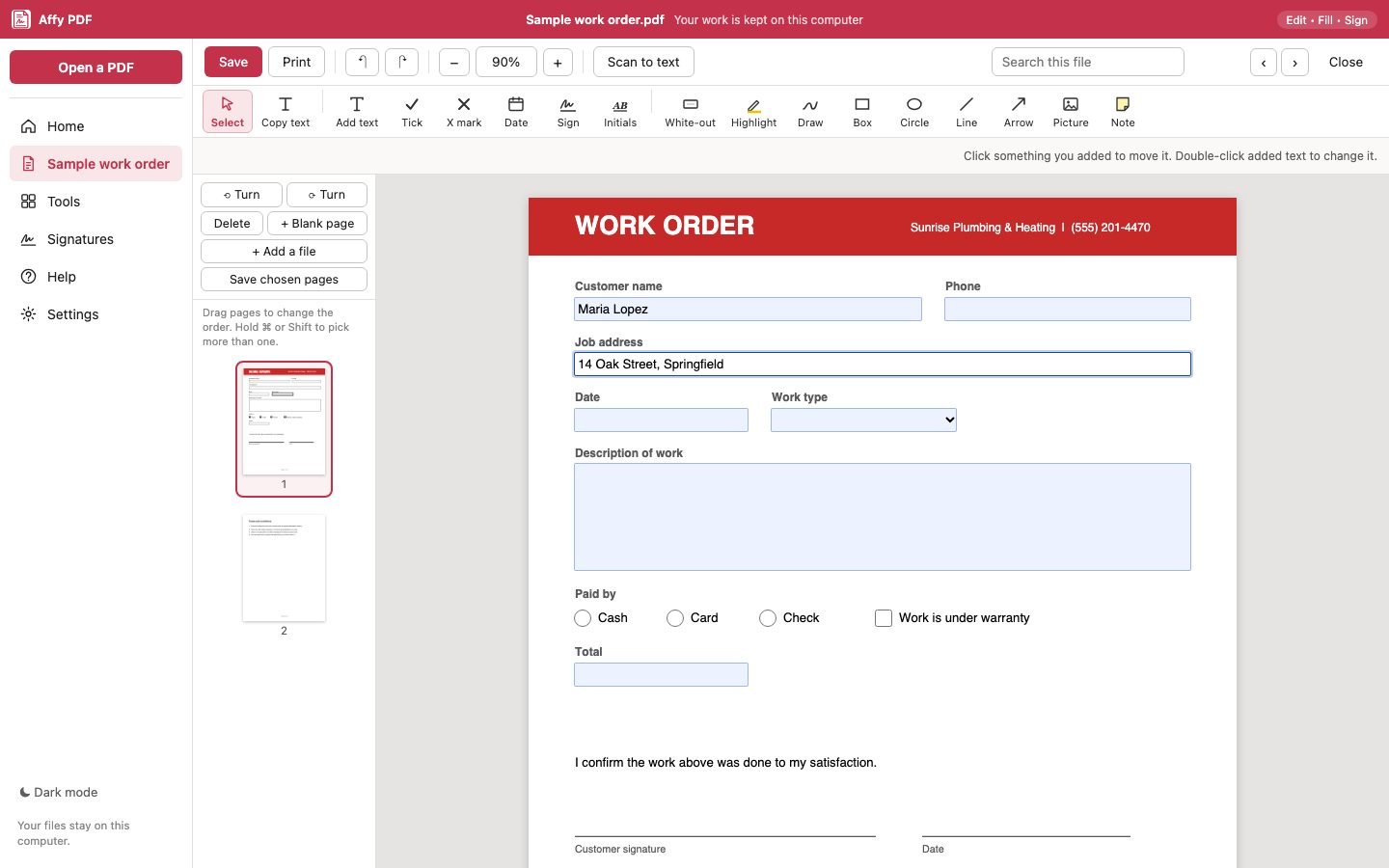
Open a PDF or a photo and fill it in. Real form boxes are found for you, and you can type anywhere else on the page.
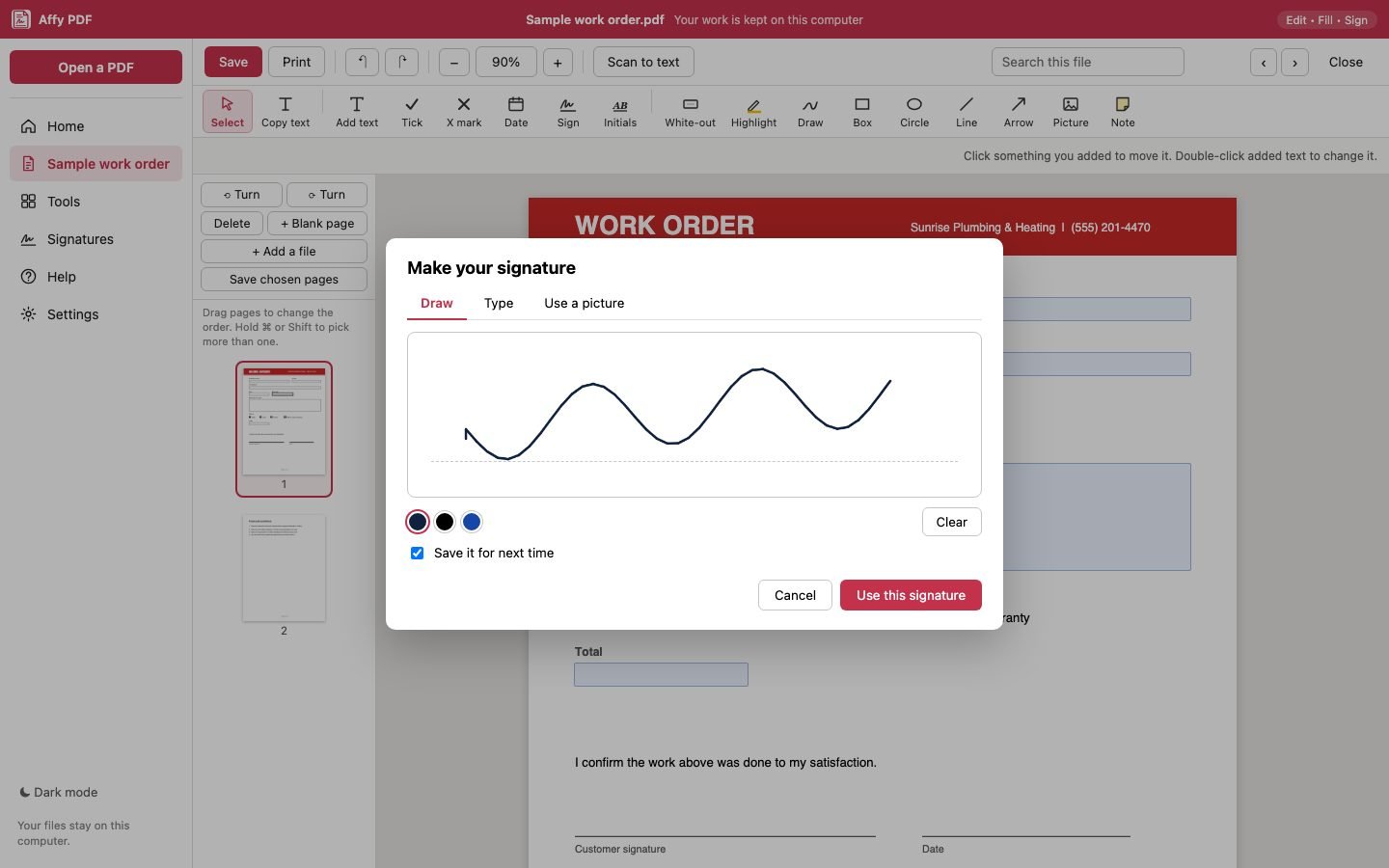
Sign with your mouse or trackpad, type your name in a signature style, or use a photo of your signature. Save it for next time.
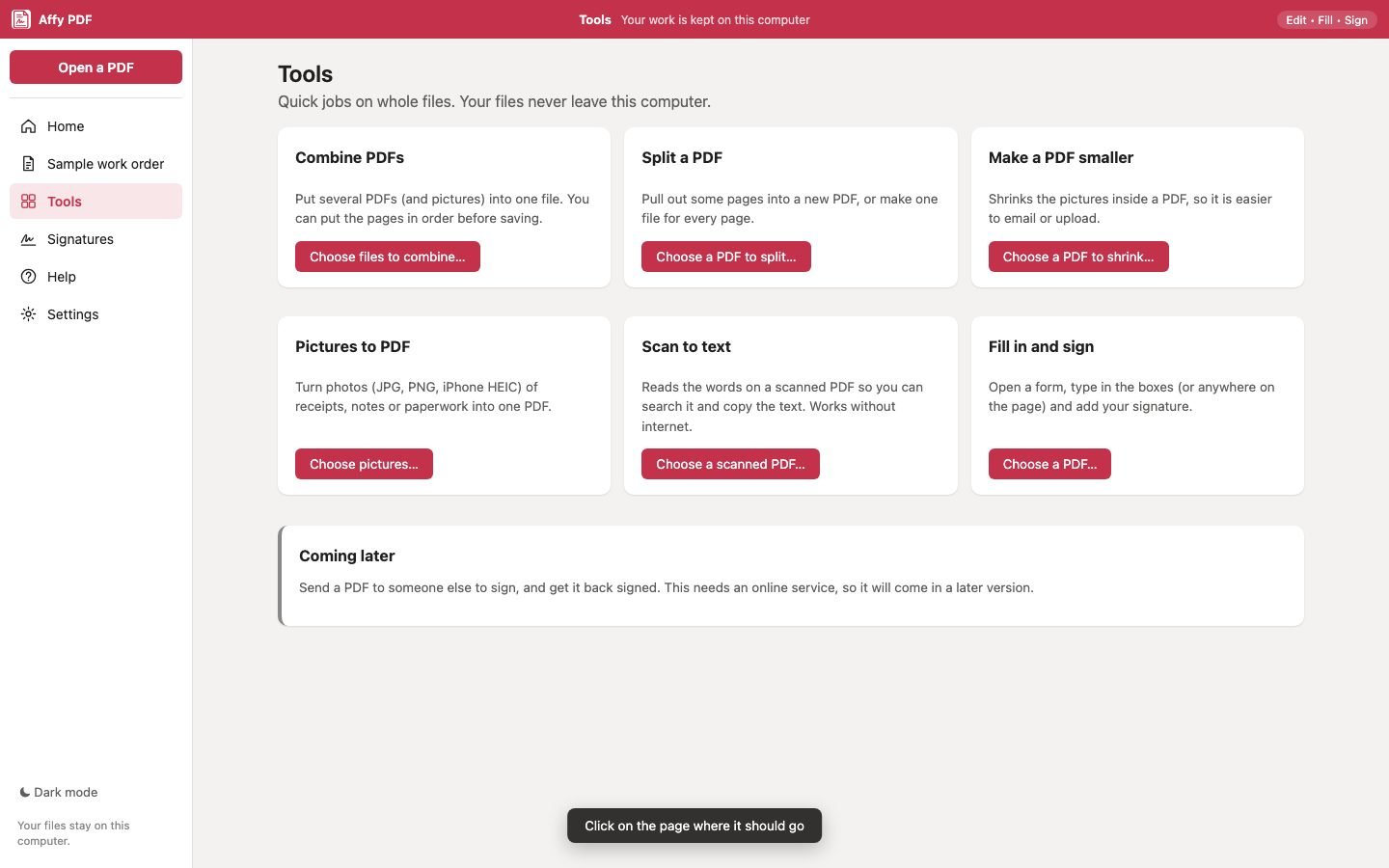
Put pages in order, turn them, delete them, combine files, split them and make big files small enough to email.
Who it's for
Contractors, office managers and anyone who gets contracts, work orders, permits and forms by email and has to send them back signed.
What you'd pay elsewhere
Stop paying about $20 a month. Here is about what owners typically pay each year for the same kind of tool.
| Instead of | Typical cost |
|---|---|
| A PDF editor subscription | about $150 to $250 a year, every year |
| An e-signature app, to sign things yourself | about $100 to $150 a year, every year |
| Affy PDF | $39 once, yours to keep |
Typical figures are rough and rounded, for popular monthly plans. Plans and prices vary, so check each company's site.
What's inside
Fill any form
Form boxes, tick boxes, round buttons and drop-downs fill in on the page and stay fillable in the saved file. Or lock the answers in.
Sign and initial
Draw, type or use a photo of your signature (the white paper is removed). Add the date in the style you like.
Add to the page
Text, ticks, X marks, dates, highlight, drawing, boxes, circles, arrows, your logo and sticky notes. Undo and redo.
Pages
Drag pages into order, turn, delete, add a blank page, add pages from another file, or save just the pages you pick.
Combine, split, shrink
Put several files into one, pull pages out into new files, and make a PDF smaller for email and uploads.
Pictures to PDF
Turn photos and scans (JPG, PNG and iPhone HEIC) into one PDF.
Scan to text
Reads scanned pages (English) so you can search and copy the words. The reading happens on your computer.
Find and print
Search the file, copy text, print, and reopen recent files with your changes kept.
Good to know
- White-out covers words on the page, but it does not remove them from the file. It is not redaction.
- You can add text over a page, but you cannot edit the words already in the PDF.
- Asking someone else to sign by email is not built yet.
Questions
Do my files get uploaded anywhere?
No. Affy PDF opens and saves files on your computer. Nothing is sent to us.
Can I sign a contract with it?
Yes. Add your signature, initials and the date, then save the file and send it back the way you usually do.
Will the forms still be fillable after I save?
Yes, unless you choose to lock the answers into the page in Settings.
What happens after the 14 days?
Affy PDF asks you to buy it. Your records are safe and nothing is deleted. You can still save a backup of them.
How do I unlock it after I buy?
In the app, choose Sign in and use the email you bought with. We email you a 6-digit code. After that it stays unlocked on that computer.
Where does it run?
In your web browser, from askaffy.com. Chrome works best. Your records are kept in that browser on your computer, not online, so keep a backup file somewhere safe.
Is it really one payment?
Yes. $39 once. No monthly plan.
Try Affy PDF free for 14 days.
No sign-up and no card. If you like it, buy it once for $39 and keep it.